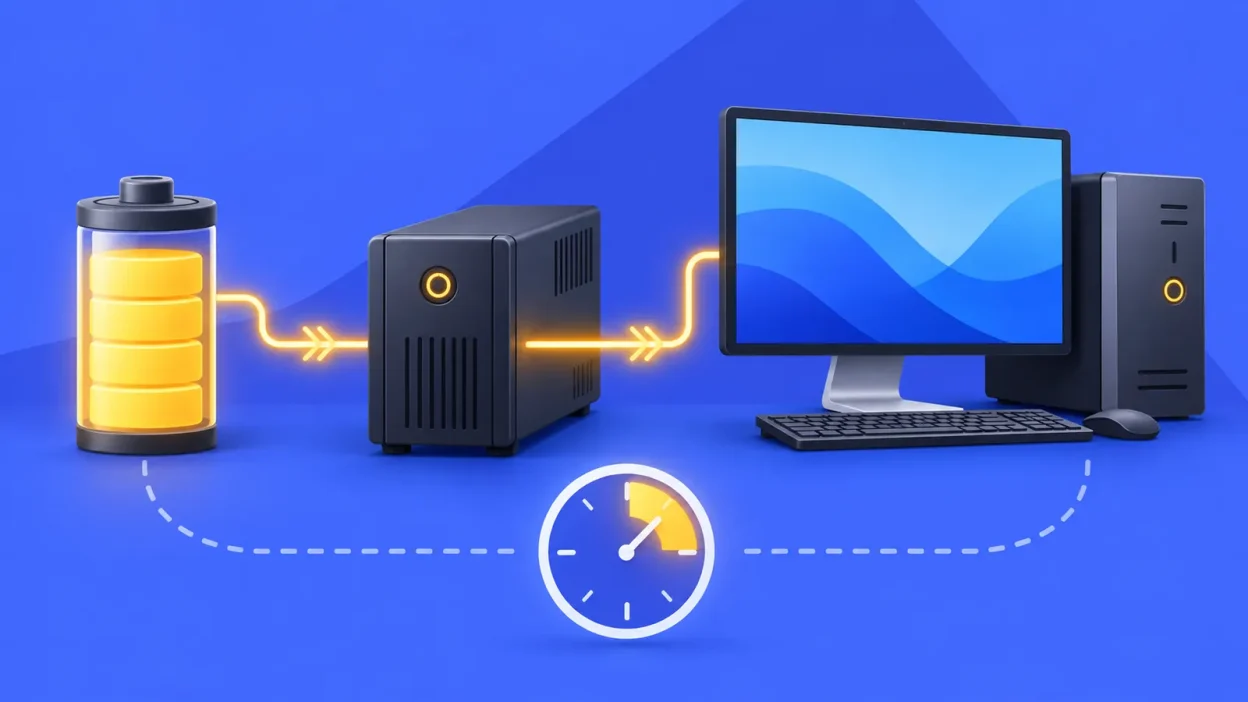
UPS battery backup calculation is the quickest way to estimate how long your computer will run during a power cut. This guide works through a 600 VA UPS with a 12 V, 7 Ah battery and 150 W computer load, then shows the same method for a larger external 24 V battery bank.
What you need before calculating
Collect these four numbers before starting:
- Battery capacity: the Ah value printed on the battery, such as 7 Ah, 9 Ah or 100 Ah.
- Battery voltage: usually 12 V for a small computer UPS; larger systems may use 24 V or 48 V.
- Real load in watts: the computer, monitor and any other equipment that will stay on during the outage.
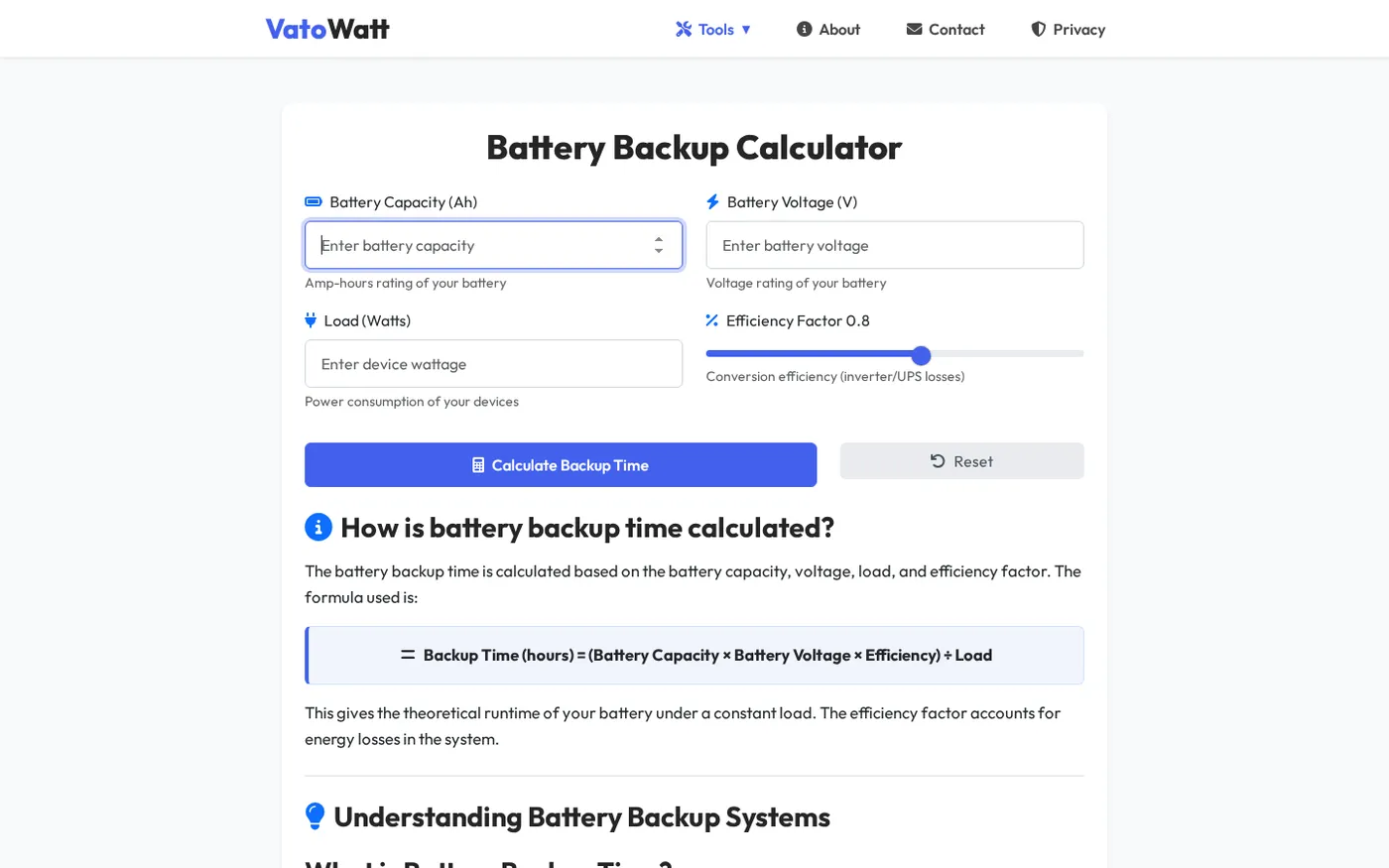
- Efficiency: use the UPS or inverter specification when it is available. For the worked examples here, use the VatoWatt calculator’s 0.8 efficiency value.
Do not use the UPS’s VA number as the computer’s watt load. VA describes the capacity of the UPS output, while watts describe the real power used by your equipment. Schneider Electric also separates these two measurements in its UPS buying guide.
If the computer’s actual watts are unknown, check the UPS display, the computer’s power information, or measure the complete setup with a plug-in power meter. Include the monitor because it also draws power. A power-supply label is often a maximum rating, not the computer’s normal running load.
UPS backup formula
The simple estimate is:
Backup time (hours) = Battery Ah × Battery V × Efficiency ÷ Load WWith the calculator’s 0.8 efficiency setting:
Backup time (hours) = Ah × V × 0.8 ÷ wattsThe first multiplication converts the battery rating into nominal watt-hours. For example, a 12 V, 7 Ah battery has 12 × 7 = 84 Wh before losses. Multiplying by 0.8 gives an estimated 67.2 Wh available to the AC load, and dividing by the load gives time.
This is an estimate, not a promise of exact runtime. Battery Ah ratings are normally measured at a stated discharge rate. The Legrand UPS technical guide explains that nominal capacity, voltage and delivered capacity change with discharge current, discharge duration, battery condition and cutoff voltage. For a high-value or long-runtime system, use the UPS manufacturer’s runtime table when it is available.
Step 1: Find the computer’s watt load
Why this matters: the battery is supplying watts, not VA. A larger watt load uses the stored energy faster.
Write down every device that will remain powered. A simple computer setup might look like this:
| Equipment | Running load used in the example |
|---|---|
| Desktop computer | 110 W |
| Monitor | 30 W |
| Total | 140 W |
For the main calculation, we round this planning load to 150 W. If you also keep a Wi-Fi router or speakers on the UPS, add their measured watts. Do not add the 600 VA UPS label to this total; the UPS itself consumes some energy, which is represented approximately by the efficiency factor.
Check the UPS capacity separately
The 600 VA label answers a different question: can the UPS support the connected load? Check the manufacturer’s stated maximum watt output and keep your 150 W load below that limit. If you need to compare watts and VA for a particular power factor, use the Watt to VA Converter, but do not assume every 600 VA model has the same watt limit.
Step 2: Calculate a 600 VA UPS with a 7 Ah battery
Why this matters: this is the common small-UPS question—how many minutes will a computer get from one internal battery?
Use these inputs:
- Battery capacity: 7 Ah
- Battery voltage: 12 V
- Efficiency: 0.8
- Computer load: 150 W
Now work through the formula:
Nominal battery energy = 7 Ah × 12 V = 84 Wh
Estimated usable energy = 84 Wh × 0.8 = 67.2 Wh
Backup time = 67.2 Wh ÷ 150 W = 0.448 hours
Minutes = 0.448 × 60 = 26.88 minutes
Rounded only at the end, the estimate is about 27 minutes. The 600 VA rating is not used in this runtime calculation; the 7 Ah, 12 V battery and 150 W load determine the energy result. You must still check the UPS’s watt limit and the manufacturer’s runtime data.
Step 3: Calculate an external 24 V battery bank
Why this matters: online and larger UPS systems may use an external bank, so the same formula works with the bank’s total voltage and Ah rating.
Suppose the UPS documentation specifies a 24 V, 100 Ah battery bank and the connected load is 600 W. Using the same 0.8 planning efficiency:
Nominal battery energy = 100 Ah × 24 V = 2,400 Wh
Estimated usable energy = 2,400 Wh × 0.8 = 1,920 Wh
Backup time = 1,920 Wh ÷ 600 W = 3.2 hours
Minutes = 0.2 × 60 = 12 minutes
The estimate is therefore 3 hours 12 minutes. The last conversion uses 3.2 hours as 3 hours plus 0.2 hour; 0.2 × 60 = 12 minutes.
If a 24 V, 100 Ah bank is made from matching 12 V, 100 Ah batteries in series, the nominal bank becomes 24 V and remains 100 Ah. Treat that as an explanation of the rating, not a wiring guide. Battery banks can deliver dangerous current: follow the UPS manual, isolate the equipment as instructed, and use a licensed electrician for installation or changes.
The external-bank result is deliberately a planning estimate. Replace 0.8 with the UPS manufacturer’s specified efficiency if it gives one, and use the manufacturer’s discharge table for the closest real-world result.
Step 4: Compare 7 Ah and 9 Ah batteries at common PC loads
Why this matters: the same UPS battery gives different times as the load changes. The table below uses 12 V batteries and 0.8 efficiency, so you can see the effect without changing the formula.
| Load | 12 V, 7 Ah estimate | 12 V, 9 Ah estimate |
|---|---|---|
| 50 W | 1 h 21 min | 1 h 44 min |
| 75 W | 54 min | 1 h 09 min |
| 100 W | 40 min | 52 min |
| 150 W | 27 min | 35 min |
| 200 W | 20 min | 26 min |
For example, reducing a computer setup from 150 W to 100 W increases the 7 Ah estimate from about 27 minutes to about 40 minutes. Moving from 7 Ah to 9 Ah at the same 150 W load increases the estimate to about 35 minutes. These are proportional calculations; an actual UPS may shut down earlier because of its cutoff setting or battery condition.
Step 5: Recalculate for your own computer
Why this matters: your monitor, graphics card, peripherals and battery age can make your result different from the example.
- Enter the battery Ah value from the label.
- Enter the battery voltage or the external bank voltage specified by the UPS.
- Enter the total running watts for the devices you want to keep on.
- Leave efficiency at 0.8 for a first estimate, or enter the UPS specification if it provides a different value.
- Read the result in hours and minutes, then compare it with the UPS manual’s runtime table.
The Battery Backup Calculator uses these inputs and shows the result without making you repeat the unit conversions. For a UPS sized from a full appliance list rather than one computer, use the Inverter Load Calculator first to total the load.
Verify the result and troubleshoot differences
Use the calculation as a reasonableness check. A 12 V, 7 Ah battery has only 84 Wh nominal energy, so a 150 W computer cannot run for several hours from it. If a result looks unusually high, check that you did not enter VA where watts were required, leave out the efficiency factor, or enter 7,000 Ah instead of 7 Ah.
If the UPS stops sooner than the estimate, check these points:
- The actual load is higher: a gaming computer can draw much more while a game or heavy application is running. Measure the complete setup rather than relying on the power-supply maximum.
- The battery is not new: age, temperature and previous discharge history affect delivered capacity.
- The UPS has its own consumption: the efficiency factor is an approximation of conversion losses and does not mean every UPS has the same loss.
- The UPS cutoff is reached: the unit stops before the battery voltage becomes unsafe for the equipment. Its manual or runtime chart is the better reference.
- The battery rating uses a different test rate: a high current draw may deliver less energy than the simple Ah multiplication suggests.
For routine checks, use the UPS’s built-in self-test or manufacturer procedure. Do not repeatedly run a battery to empty just to verify a calculation.
Why UPS backup is usually shorter than inverter backup
A small computer UPS and a home inverter may both show a VA rating, but their battery banks are often very different. A computer UPS commonly has a small internal battery intended to keep the PC running long enough to save work and shut down. A home inverter may use a much larger 150 Ah or 200 Ah battery, so it stores far more watt-hours even when the connected load is also larger.
The practical rule is simple: VA helps check whether the UPS can support the load; battery voltage and Ah, efficiency, and real watts estimate how long it can support it. Do not select a UPS for longer runtime based only on a bigger VA number. Check whether it accepts the required battery capacity and whether the manufacturer publishes runtime at your load.
FAQ
How do I calculate UPS backup time?
Multiply battery Ah by battery voltage and the efficiency factor, then divide by the load in watts. With the VatoWatt planning value, the formula is Ah × V × 0.8 ÷ W, and you multiply the decimal hours by 60 to get minutes.
How long will a 600 VA UPS with a 7 Ah battery last?
At 12 V, 0.8 efficiency and a 150 W load, the estimate is 0.448 hours, or about 27 minutes. Your result changes with the actual load, battery condition, UPS cutoff and the model’s published runtime data.
Does a higher VA rating give longer backup?
Not by itself. VA is mainly a UPS output-capacity measure; runtime comes from available battery watt-hours divided by the real watt load, after losses. A higher-VA UPS may have a larger battery, but you must check its battery specification.
Why is my real UPS runtime lower than the calculation?
The simple formula uses nominal Ah and an efficiency estimate. Discharge rate, battery age, temperature, UPS self-consumption and the low-voltage cutoff can all reduce the delivered runtime, so use the manufacturer’s runtime table when possible.
Can I add a larger battery to my computer UPS?
Only if the UPS documentation explicitly supports an external or upgraded battery arrangement. Do not modify the battery connection based on the VA label alone; use the manual and a licensed electrician for any battery-bank installation.