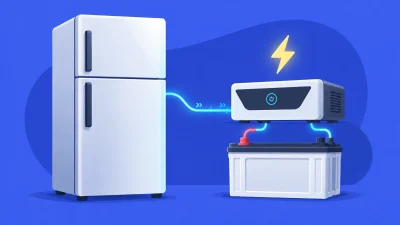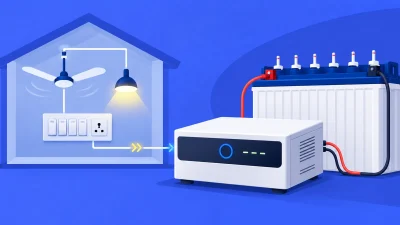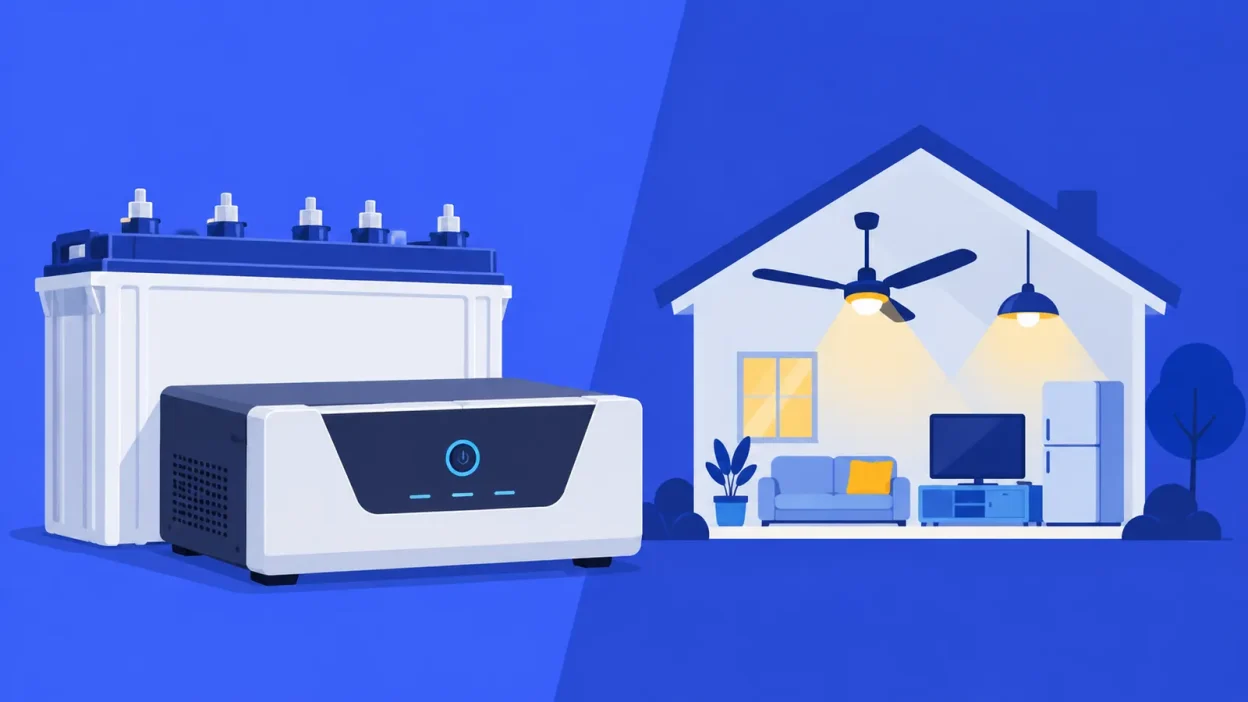
How to select inverter for home use starts with the appliances you want to run together, not the size of your flat or a brand name. This six-step checklist takes you from running watts to VA, battery voltage, backup hours, waveform and the final specification-sheet checks.
What you need before you choose
Write down the appliances you want on during a power cut and collect the watt rating from each label or manual. You also need three decisions: your maximum simultaneous load, the number of backup hours you want, and which appliances are essential enough to keep running.
Do not add every appliance in the home automatically. A 2BHK may have a geyser, mixer, iron, refrigerator, fans, lights, television and computers, but you may only want fans, lights, a router and a television during an outage. Size the inverter for appliances that can run together and the battery for how long that load must run.
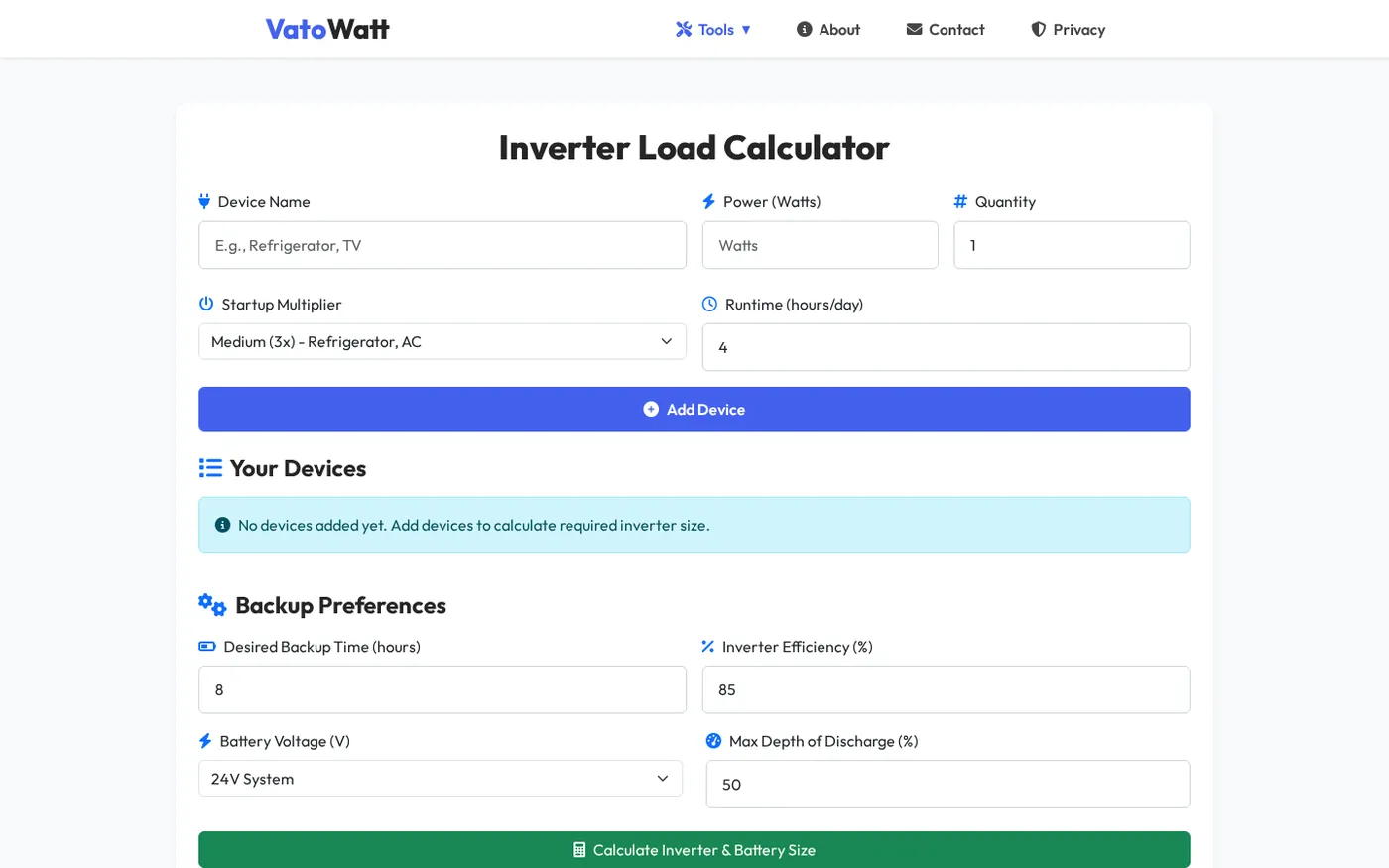
Use the Inverter Load Calculator to repeat each calculation with your own appliance list. It accepts watts, quantity, hours, a surge factor and 12 V, 24 V or 48 V battery systems.
Step 1: List your appliances and watts
Why this matters: a load list gives you a number to size instead of a guess based on 1BHK, 2BHK or 3BHK.
Make a small table with the appliance, watt rating, quantity and whether it is essential. For example:
| Appliance | Rating | Quantity | Running load |
|---|---|---|---|
| LED bulbs | 9 W | 3 | 27 W |
| Ceiling fans | 70 W | 3 | 210 W |
| Wi-Fi router | 12 W | 1 | 12 W |
| Television | 100 W | 1 | 100 W |
| Refrigerator | 180 W | 1 | 180 W |
| Total | 529 W |
Multiply the rating by quantity, then add the rows. Use the actual rating where you have it; a fan, refrigerator or cooler may differ from the example.
For the first sizing pass, keep the refrigerator in the list if you expect it to run during a power cut. In a second pass, remove non-essential appliances and see how much the required size changes.
Success looks like this: you have one total running-load figure in watts and a separate list of appliances that must stay on. If you are unsure of a watt rating, mark it for checking rather than replacing it with an invented number.
Step 2: Turn watts into VA
Why this matters: home inverters are commonly labelled in VA, while appliance labels and your load list use watts.
The relationship is:
Watts = VA × power factor
VA = watts ÷ power factor
Power factor is written as a decimal. The VatoWatt calculator starts with 0.8, so a quick planning estimate is:
Required VA before headroom = 529 W ÷ 0.8 = 661.25 VAYou should also leave room for normal variation and starting demand. One practical approach is to allow 20% more output watts, then convert that result to VA:
Target output = 529 W × 1.2 = 634.8 W
Target VA = 634.8 W ÷ 0.8 = 793.5 VA
That means you would look for a rated capacity above about 794 VA, then check that its continuous output-watt rating is at least 635 W. For arithmetic illustration, a 900 VA inverter at a 0.8 power factor corresponds to 720 W, which clears that target. The actual model you select must state its own VA, continuous watts and surge capability.
The Schneider Electric UPS sizing guide explains the distinction: watts are real power, VA is voltage multiplied by current, and their ratio is power factor. Use the product specification when it gives a power factor or output-watt value.
If you want to convert a known watt load directly to a VA requirement, use the Watt to VA Converter. It is useful when you are comparing a measured load with several inverter nameplates.
Success looks like this: your chosen inverter’s continuous watts are above the running load with headroom, its VA rating is above the calculated VA, and its surge rating is checked separately for motors and compressors.
Step 3: Choose 12 V or 24 V
Why this matters: the battery voltage changes the current the inverter must draw for the same power and determines which battery arrangement the inverter supports.
For a rough comparison, use the inverter efficiency in the calculation. With the 529 W example and an 85% efficiency assumption:
12 V current ≈ 529 W ÷ (12 V × 0.85) = 51.9 A
24 V current ≈ 529 W ÷ (24 V × 0.85) = 26.0 A
A 24 V system therefore draws about half the battery current for the same output power. That does not mean 24 V is automatically the right choice. Choose only a battery voltage explicitly supported by the inverter, and match the battery bank, charging settings and installation to the manufacturer’s instructions.
Use 12 V when the selected inverter is designed for one 12 V battery and your load and backup requirement fit that system. Consider 24 V when the inverter supports it and a higher-voltage bank suits the load. Larger systems may support 48 V, but do not assume that a 48 V bank can be used with a 12 V or 24 V model.
Check the complete combination: inverter DC input voltage, number of batteries, battery voltage, chemistry and charging current. A large Ah number is not enough if voltage or chemistry is outside the specification.
Success looks like this: the inverter data sheet names the battery voltage you need, and your planned battery bank uses that voltage without mixing unapproved batteries or arrangements.
Step 4: Calculate battery Ah for your backup hours
Why this matters: inverter VA tells you whether the load can run at once; battery Ah tells you how long the selected load can run.
For a planning estimate using the VatoWatt calculator’s defaults, use:
Battery Ah = load watts × backup hours
             ÷ (battery volts × inverter efficiency × usable fraction)
The calculator uses 85% inverter efficiency and 50% depth of discharge, so the usable fraction is 0.5. Suppose your essential outage load is 300 W and you want four hours:
Battery Ah = 300 W × 4 h ÷ (12 V × 0.85 × 0.5)
           = 235.3 Ah at 12 V
At 24 V, the same energy works out to:
Battery Ah = 300 W × 4 h ÷ (24 V × 0.85 × 0.5)
           = 117.6 Ah at 24 V
These are planning numbers, so select the next suitable capacity supported by the inverter and verify the battery’s rating conditions. A 12 V battery rated at 150 Ah would provide an estimate of:
150 Ah × 12 V × 0.85 × 0.5 ÷ 300 W = 2.55 hoursThat result is not a promise of runtime. Battery capacity depends on discharge rate, and the Victron battery monitor guide notes that a battery can deliver less effective capacity at a faster discharge rate. The appliance load, inverter efficiency, battery age and temperature also affect the result.
Use the Battery Backup Calculator when you already know the battery Ah, voltage and load watts and want to estimate runtime. For a new purchase, enter the target load and hours in the inverter calculator.
Success looks like this: you know the essential load in watts, required backup time in hours, battery-bank voltage and estimated Ah. You have also checked whether the battery’s data sheet rates that Ah at the discharge condition relevant to your use.
Step 5: Choose sine wave or square wave
Why this matters: waveform affects appliance compatibility, especially for motors, compressors and sensitive electronic power supplies.
For a modern home with fans, a refrigerator, television, router, computer or other electronics, pure sine wave is the safer default to look for. Stepped or square-wave output is not automatically suitable for every load; some motors can run differently, make noise or draw a difficult starting current, and some power supplies may not accept the waveform.
Do not decide only from the word “inverter”. Check the exact waveform stated for battery operation. The Schneider Electric compatibility guidance specifically calls out high inrush loads such as refrigeration and air-conditioning equipment and recommends checking steady-state draw, maximum inrush current and inrush duration.
For the refrigerator in the example, 180 W is its running-load entry, not necessarily its starting demand. In the Inverter Load Calculator, use the appliance’s documented surge factor when available. The calculator supports 1x, 2x, 3x and 5x choices, allowing you to see how the starting demand changes the required inverter size.
If you plan to run an air-conditioner, pump, large cooler, compressor or workshop motor, treat it as a separate sizing case. Check the appliance and inverter documentation for starting current, surge duration and compatibility. Do not connect a motor load simply because its running watts appear below the VA number.
Success looks like this: the waveform is suitable for every appliance on the backup list, and the inverter’s continuous and surge ratings cover both running and starting demand.
Step 6: Check the specification sheet
Why this matters: two inverters with a similar VA label can have different output watts, surge ratings, battery requirements and operating features.
Before you decide, compare these fields in the manufacturer’s specification sheet:
- Continuous output: confirm both VA and maximum output watts. Use the lower limit that applies to your load.
- Surge or peak output: check the stated capacity and duration against motors, compressors and other starting loads.
- Battery voltage: confirm 12 V, 24 V or 48 V and the number of batteries required.
- Waveform: verify the output on battery, not only the mains or bypass mode.
- Efficiency: use the stated efficiency for a more accurate battery estimate when it is available.
- Charging details: check supported battery chemistry, charging current and any manufacturer requirements.
- Protection and alerts: look for the protections and alarms specified for overload, low battery and abnormal input conditions.
- Changeover or UPS mode: if a computer, router or work system must stay on through a brief transfer, check the stated transfer behaviour and the equipment’s compatibility.
- Service information: keep the model, installation requirements and warranty terms with your purchase records.
The first three fields decide whether the inverter can carry the load. The next four match it to the battery and appliances; the final two matter when continuity and monitoring are important.
Success looks like this: you can explain why the model’s continuous watts, VA, surge rating, battery voltage, waveform and battery requirements match your written load list.
Verify the complete selection
Run the numbers one more time before ordering or asking an electrician to install the system:
- Enter every essential appliance, its actual watts and quantity.
- Add only appliances that may run together during the outage.
- Apply a documented surge factor to appliances with motors or compressors.
- Select the supported battery voltage.
- Enter the backup hours you actually need, not an unlimited target.
- Compare the calculator’s result with the inverter’s continuous watts, VA and surge ratings.
- Compare the estimated battery Ah with the battery data sheet and the inverter’s supported charging setup.
If your result changes sharply when you remove one appliance, that appliance is driving the system size. You can then decide whether it belongs on backup, rather than buying a larger inverter for an appliance you will switch off during a cut.
Troubleshooting a sizing result
The inverter trips even though the VA calculation looks high enough. Check the inverter’s output-watt limit, not just VA. Then check starting demand from a refrigerator, cooler, pump or other motor and include the correct surge requirement.
The battery does not last as long as the estimate. Recheck the actual running load, the battery voltage, the inverter efficiency and the usable fraction. Also check whether the battery Ah rating is specified at a different discharge rate; a faster discharge can reduce usable capacity.
A fan or appliance behaves differently on backup. Verify the waveform stated for battery operation and check the appliance manufacturer’s compatibility guidance. A running-watt calculation cannot confirm waveform compatibility by itself.
You are not sure whether to choose 12 V or 24 V. Start with the inverter’s supported DC voltage and your target load. Do not choose the voltage from the battery Ah number alone; the inverter and the complete battery bank must be designed for the same voltage.
FAQ
How many VA inverter is enough for a home?
It depends on the appliances you want to run together. Add their running watts, allow headroom for variation and starting demand, divide by the power factor, then choose a model whose continuous watts and VA are both above the result.
Is 0.8 power factor correct for an inverter?
0.8 is a useful planning assumption for the VatoWatt calculator, but the actual power factor varies by appliance and inverter. If the specification sheet gives a rated output watt value or power factor, use that value for the final comparison.
What battery size is needed for a 4-hour backup?
Battery size depends on the load, voltage, efficiency and usable depth of discharge. For example, 300 W for four hours gives about 235 Ah at 12 V using 85% efficiency and 50% usable capacity; enter your own load in the calculator for a different result.
Should I choose pure sine wave for home use?
Pure sine wave is the safer choice when your backup list includes fans, refrigerators, computers, routers or other sensitive electronics. Always check the appliance and inverter specifications, especially for motor starting current and waveform compatibility.
Can I run a refrigerator on a home inverter?
Only if the inverter’s continuous and surge ratings, waveform and battery system match the refrigerator’s requirements. Use the refrigerator’s running and starting information where available; its running wattage alone is not enough to confirm compatibility.
Related calculators
- VA to Watt Converter — convert an inverter VA rating to watts.
- Watt to VA Converter — find the VA requirement for a known watt load.
- Inverter Load Calculator — size inverter VA and battery Ah from appliances.
- Battery Backup Calculator — estimate runtime from battery Ah, voltage and load.
- Solar Panel Calculator — estimate panels from daily electricity use.
- Power Consumption Calculator — estimate appliance units and electricity cost.